
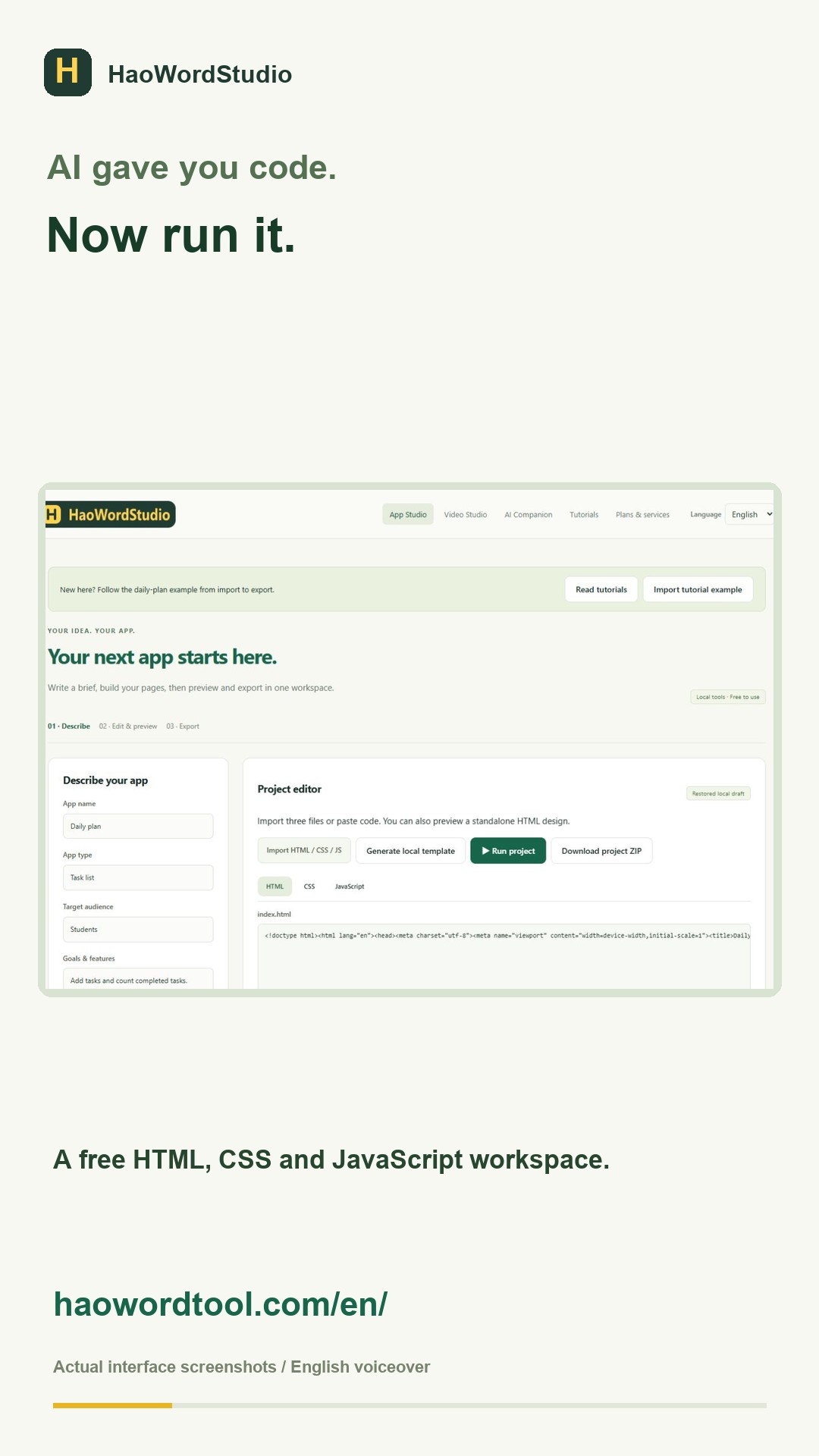
An online editor is useful when you have a small static project and want to see a result without installing a build system. HaoWordStudio keeps HTML, CSS and JavaScript in separate tabs and renders them together in an isolated preview. This guide uses the included daily-plan example, so every check has a visible result.
Load three real files
- Download the daily-plan ZIP and extract it.
- Open the English workspace.
- Choose Import HTML / CSS / JS and select
index.html,styles.cssandapp.jstogether. - Run the project. You should see three tasks and a counter that reads 0 / 3.
Edit one layer at a time
Change the HTML heading first and run the project. Then change a color in CSS and run it again. Finally, change the label created by JavaScript. Testing one layer at a time makes the source of a failure obvious.
<h1>My study plan</h1>

h1 { color: #17654a; }

addButton.textContent = 'Add task';
Use a repeatable test
A page that looks correct can still be broken. Check the first task and confirm that the counter changes. Add a new task and confirm that both the list and total update. These two interactions test event listeners, DOM updates and the relationship between the HTML IDs and JavaScript selectors.
Know what this workflow supports
| Project | Works directly? | Reason |
|---|---|---|
| Plain HTML, CSS and JavaScript | Yes | The browser can execute it without compilation. |
| React component | No | It normally needs packages and a build step. |
| Node server | No | Server code cannot run inside a static browser preview. |
| External API application | Partial | Network access, keys and CORS require a suitable environment. |
Export only after testing
Run the project after your last edit, test the interactions again, then export the ZIP. Extract the download into a new folder and open index.html. That final check catches missing files before you publish or deliver the project.