
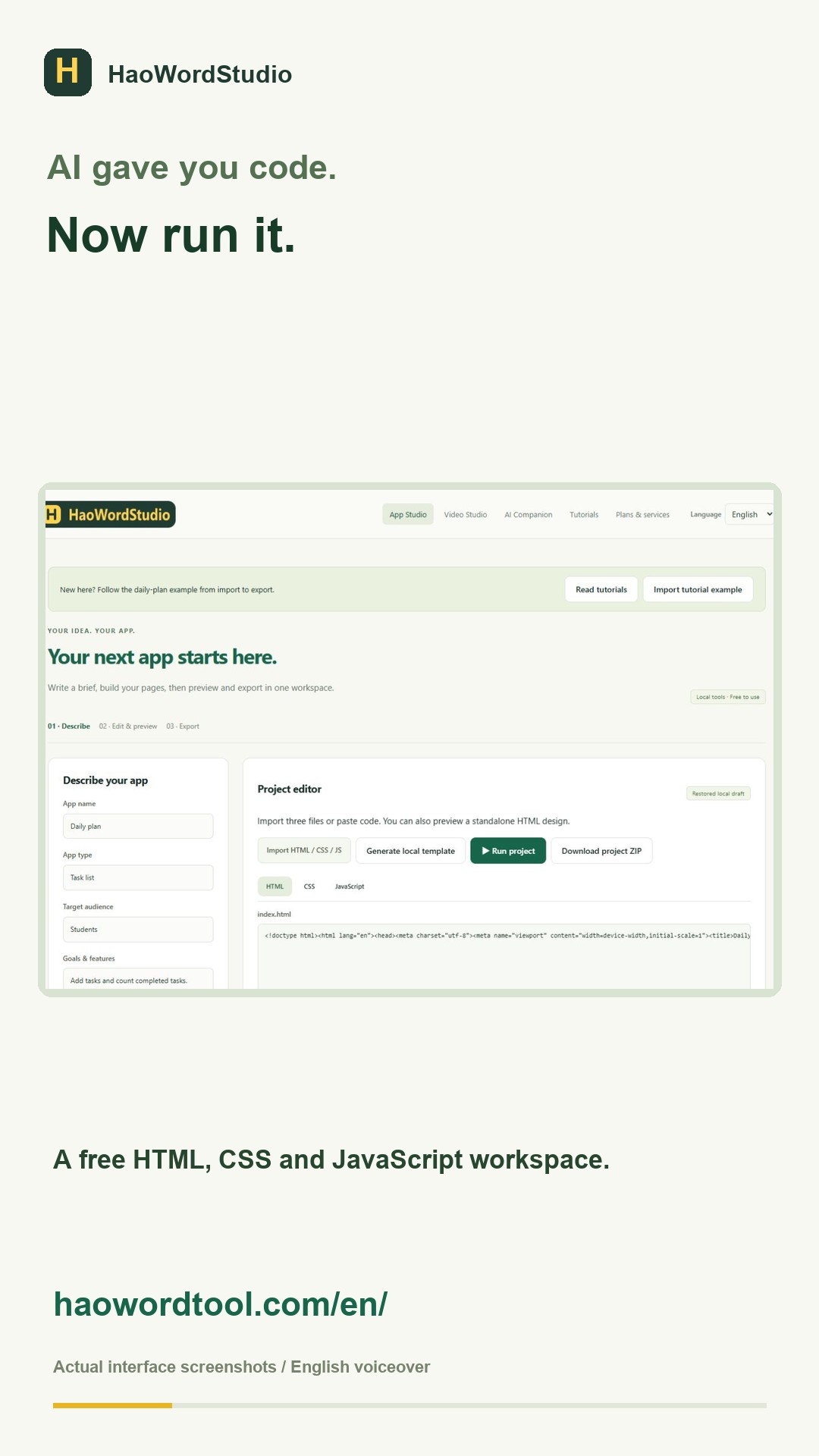
An AI-generated template is useful only when you can understand, edit and deliver it. A polished screenshot is not enough. Before choosing a template, inspect its files, test its main action and check whether it still works on a phone.
Use this five-part checklist
- Complete structure: look for a heading, navigation, main content and footer.
- Separate files: prefer an
index.html, stylesheet and JavaScript file that have clear names. - Real action: test the form, menu or button that matters to the page.
- Responsive layout: inspect the page at about 390 pixels wide.
- Portable export: extract the ZIP and open it outside the editor.
Ask AI for a deliverable format
A clear prompt reduces repair work. Ask for a standalone static project with no build step, three named files, accessible labels and responsive CSS. Also ask the AI to explain any external dependency before it adds one.
Create a responsive landing page as three files:
index.html, styles.css and app.js.
Use no framework and no build step.
Include a working mobile menu and form validation.
Return each complete file in a separate code block.
Test the template before changing the design
Import all files into HaoWordStudio and run the untouched version first. Record what works. Then replace the brand name, heading and colors. Run the same checks after every group of changes. If the original version fails, ask the AI to repair that exact failure instead of adding new features.
Avoid template traps
- A React fragment pasted into an HTML file is not a complete website.
- A contact form without a server or form provider cannot send messages.
- Placeholder testimonials should not be presented as real customer statements.
- Remote images may disappear or have licensing restrictions.
- An exported ZIP is source code, not a hosted website or signed mobile app.
Try two working examples
Use the landing-page demo for a product page and the portfolio demo for a personal site. Both are plain static projects designed for editing and export.